
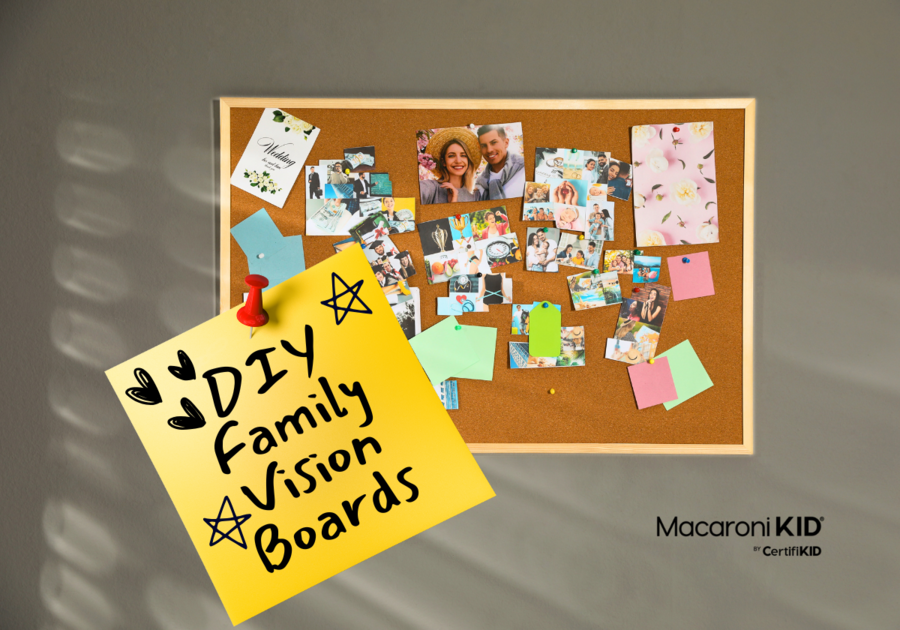
The new year is almost here, and for families, it often brings a mix of excitement and overwhelm. A fresh start means new goals, new routines, and new intentions — but between work schedules, school commitments, and the never-ending snack requests, staying focused on family goals can feel nearly impossible.
That’s where a family vision board comes in.
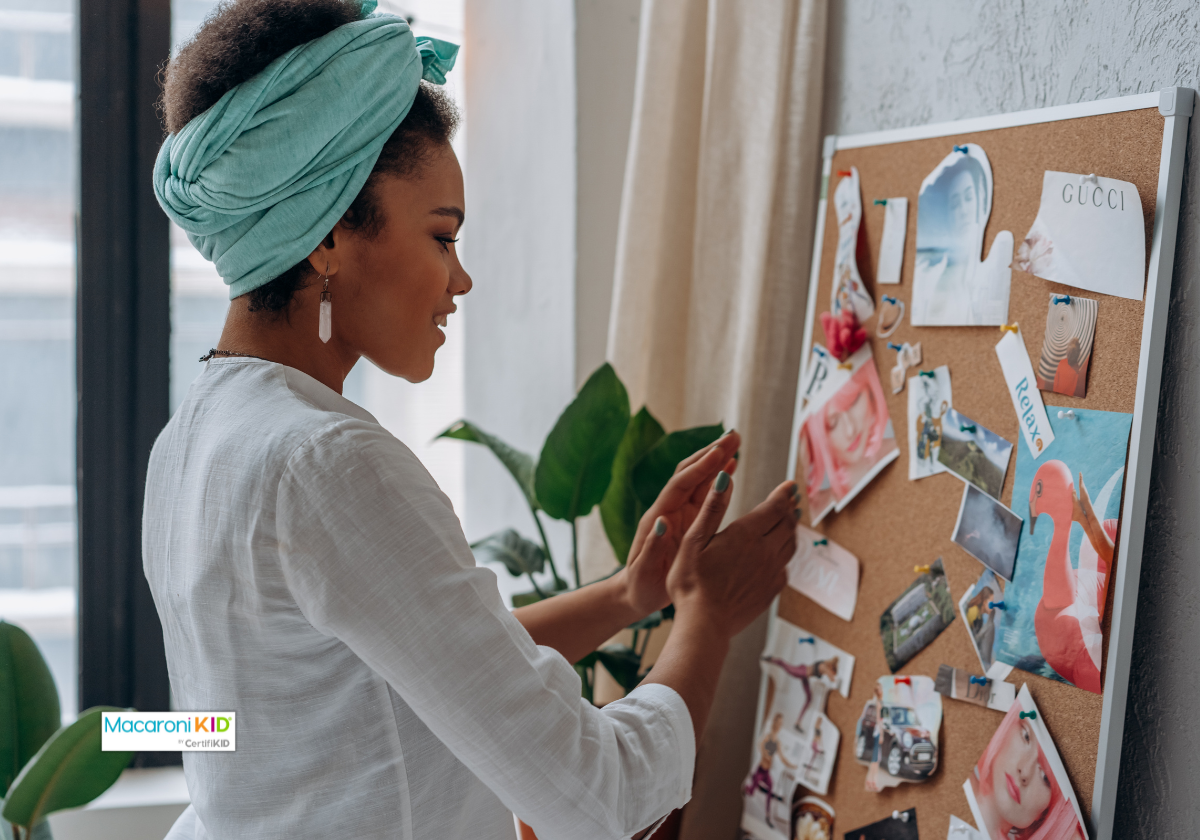
A family vision board is a simple, creative, and surprisingly powerful way to bring your shared goals to life. Think of it as a real-life Pinterest board, made together with your kids, using images, words, and ideas that reflect what your family wants to prioritize this year. Whether you’re dreaming of a family vacation, saving for a big purchase, strengthening routines, or simply making more time for connection, a vision board helps keep everyone aligned and motivated.
Creating a vision board as a family turns goal setting into a fun, hands-on activity that kids actually enjoy. It encourages communication, builds teamwork, and keeps your goals visible all year long — making it easier to turn intentions into action.
So grab your scissors, glue, and the kids, and let’s create a family vision board that inspires focus, connection, and growth all year long
 Mikhail Nilov | Canva Mikhail Nilov | Canva |
Why Should You Make a Family Vision Board? (Besides It Being Super Fun)
1. Visual Motivation: Seeing your goals every day makes it easier to stay focused. It’s like your family’s personal cheerleader hanging on the wall.
2. Meaningful Family Time: This project sparks awesome conversations. What do the kids really want this year? What’s important to you as a family? You might be surprised what comes up.
3. Clarity: Turning dreams into something you can see makes them feel real — and totally doable.
4. It’s Hands-On: Kids love cutting, gluing, and decorating, so everyone gets involved (and off their screens for a bit). Win-win!
How to Make a Family Vision Board in 6 Simple Steps
Step 1: Brainstorm Your Family Goals
Gather everyone around the table (maybe with snacks — snacks always help) and talk about what you want to focus on this year. Keep it open-ended, and let the ideas flow!
Some categories to spark ideas:
- Family Goals: Weekend adventures, movie nights, or that road trip you keep talking about.
- Financial Goals: Saving for a family trip, paying off bills, or starting a fun “savings jar” challenge.
- Personal Goals: Hobbies for the kids, new skills for parents, or trying something new as a family.
Pro Tip: Have everyone write down their ideas first, then share and pick 3-5 goals you all agree on. If someone (ahem, Mom) has a long list of personal goals, encourage them to make their own vision board too!
Step 2: Gather Supplies
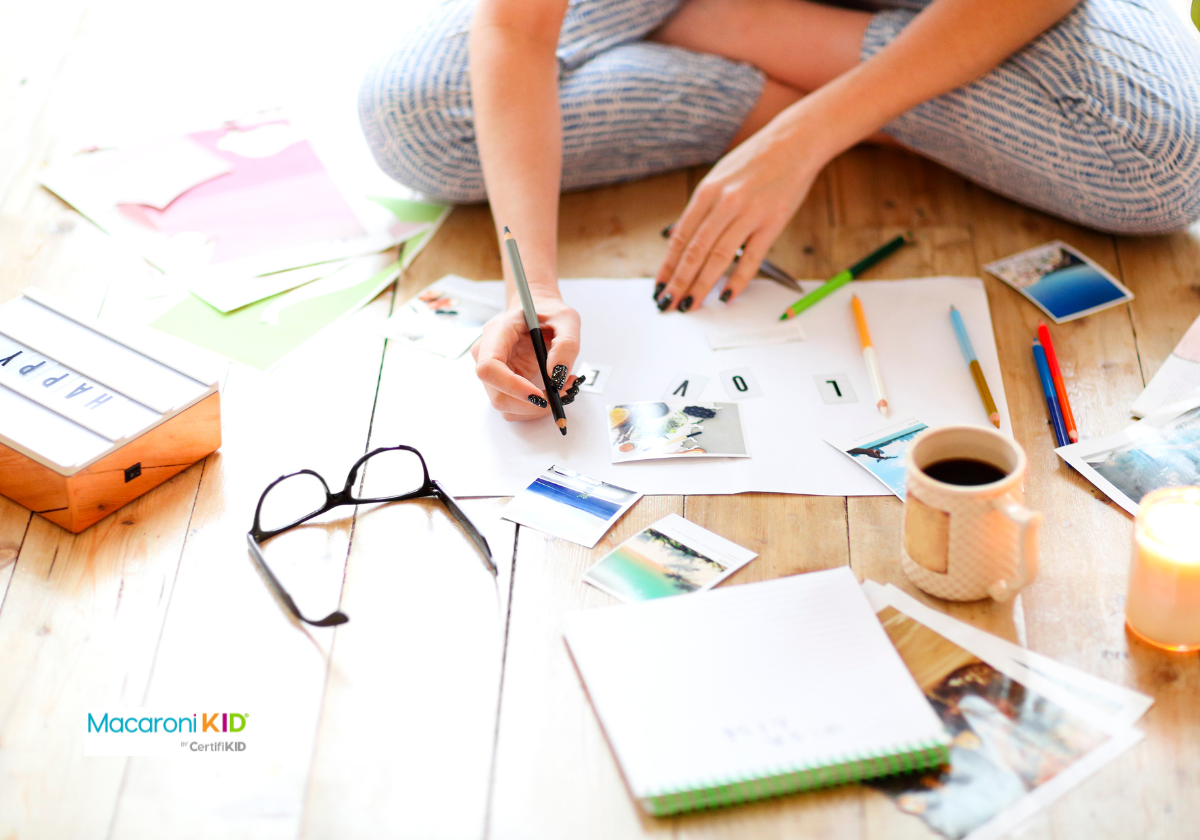
You don’t need anything fancy — just some basics like:
- A poster board or corkboard
- Magazines, printed photos, or pictures from the internet
- Scissors, glue, and tape
- Markers, pens, and stickers for decorating
Pro Tip: Prefer digital? Use a site like Canva to create an online vision board together!
Step 3: Find Your Inspiration
Now the fun begins! Search for pictures, words, or quotes that represent your goals. Flip through magazines, print images, or let the kids draw what they imagine. If you’re saving for a beach trip, for example, look for pictures of sandy shores or a giant ice cream cone. (The ice cream is important.)
Pro Tip: Don’t hold back! Gather everything that feels inspiring, and sort it out later.
 Dasha Petrenko Photos | Canva |
Step 4: Arrange and Create Your Vision Board
Time to put it all together! Here’s how to make it look awesome without stressing about perfection:
- Start with the big images — they anchor the board.
- Group similar goals in sections: top for family fun, bottom for financial goals, etc.
- Layer smaller pictures and words around your main goals to fill space.
- Leave room for flair: stickers, captions, and sparkly extras.
Pro Tip: Let everyone help! It doesn’t need to look “Pinterest-perfect.” It’s about your family’s style (even if that includes wonky glue globs and too much glitter).
Step 5: Add Finishing Touches
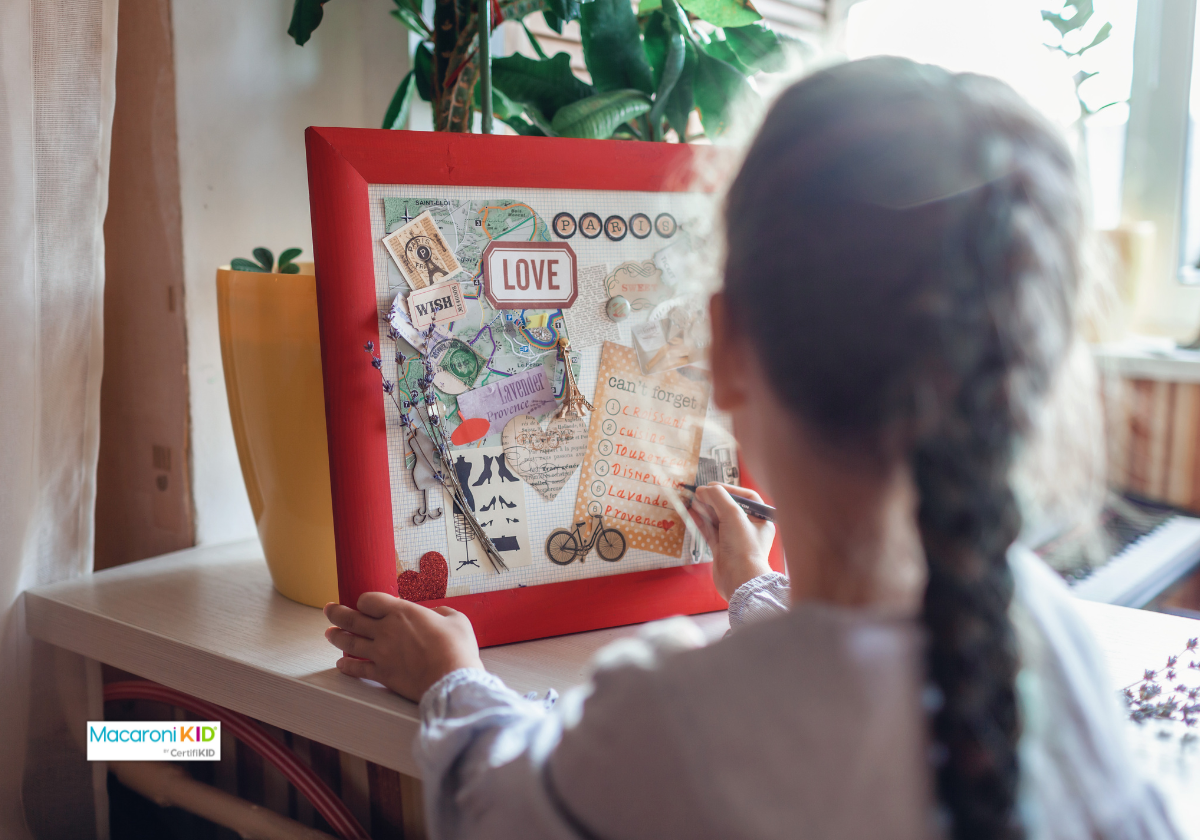
Make it pop! Add fun captions, inspirational quotes, or stickers to bring your board to life. Some ideas:
- Write your family’s “motto” for the year.
- Add reminders like “Dream big!” or “Team [Your Last Name] FTW!”
Step 6: Display It Where Everyone Can See
The magic happens when you see your vision board daily. Hang it where the whole family gathers — the kitchen, living room, or family workspace. Seeing it regularly will remind you all to keep working toward those goals.
Example: If there’s a picture of Disney World on your board, it might inspire you to skip takeout for a week and put the savings toward your trip instead.
How to Keep Your Family Vision Board Working All Year
Your vision board isn’t just a cute craft — it’s a tool! Here’s how to use it:
- Regular Check-Ins: Use it as a fun reminder once a day, once a week ... semi-regularly. Ask, “How are we doing on our savings goal?” or “Who’s excited for our camping trip this summer?”
- Celebrate Wins: Hit a goal? Add a sticker, note, or picture to celebrate.
- Stay Motivated: When things get tough (because ... life), look at the board to remember why you’re working toward these dreams.
Real-Life Example: If saving for a trip is on your board, brainstorm ways to make it happen — like starting a “vacation jar” and letting the kids add coins when they pitch in around the house.
 Maria Symchych Photos | Canva Maria Symchych Photos | Canva |
Dream Big Together!
Creating a family vision board is more than a craft project — it’s a chance to dream, bond, and create memories together. And who knows? By the end of the year, you might be looking at a board full of dreams turned into reality.
So grab those scissors and magazines, gather the crew, and go create something inspiring to welcome in the new year.
This article was originally authored by Renae Gonzalez and has been revised and updated by Macaroni KID.